Tech Chat | How to Download Static Data via FTP
In addition to downloading static data through the web interface or USB cable, you can also use FTP (File Transfer Protocol) as an alternative method. While the web download is convenient and commonly used, accessing data via FTP can be helpful in specific situations — for example, when you need to batch manage files, access them directly from your computer's file explorer, or handle larger data sets more flexibly.
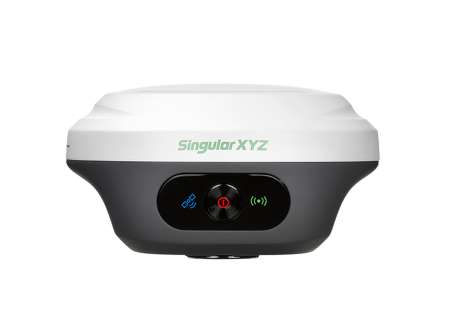
This blog will guide you step by step on how to download static data using FTP, taking the SingularXYZ X1 GNSS receiver as an example.
Before You Start
Please make sure your device supports FTP download. Currently, the following SingularXYZ devices support this feature:
X1 Series
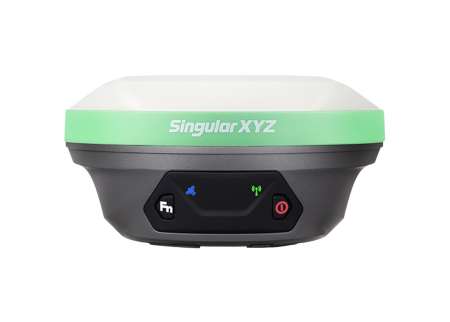
Orion ONE Series
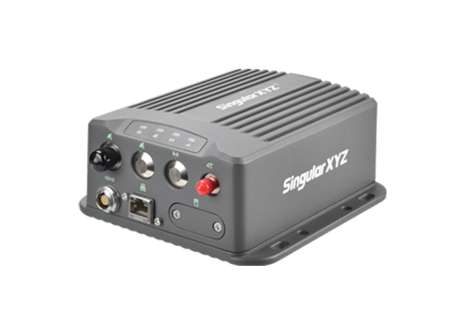
SV100 Series
Step 1. Connect Your Device to WiFi
On your computer, connect to the device's WiFi hotspot.
WiFi name: device model + device serial number
Password: 12345678

Once connected, confirm that your computer and the device are on the same local network.
Step 2. Access the Device via FTP
Open a File Explorer window on your computer.
In the address bar, type the following FTP address and press Enter:
ftp://192.168.10.12

When prompted, enter the following login information:
Account: ftpsingula
Password: SingularXYZ

After successful login, you will see multiple folders stored in the device.
Step 3. Download Static Data
In the FTP window, ignore the system folder — it contains internal files.

The remaining folders are all static data directories you've recorded.
Open the desired folder according to your survey session or date.
Inside each folder, you'll find multiple date-labeled files. Select and copy the needed files to your computer for further processing.

Using FTP to download static data is an efficient solution. With just a few simple steps, you can easily access and manage your static data via FTP for faster and more reliable data handling.
Keywords
Related products